
Your feedback plays an important role in shaping Domainwarden’s development and helping us prioritize the features that you want to see. We’ve done our best to make submitting feedback quick and easy with two fast options.

Option 1: Through the App

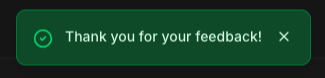
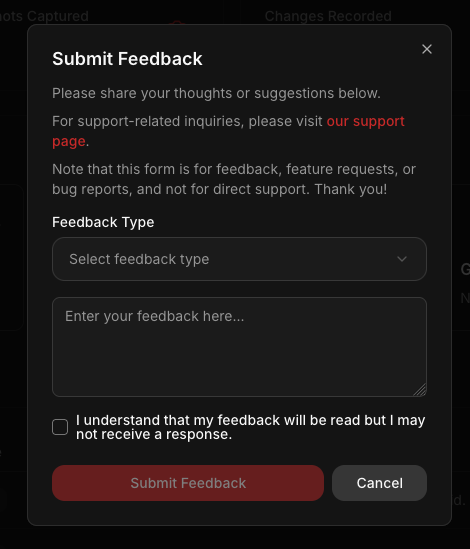
Domainwarden includes a built-in feedback form that’s always just a click away. You’ll find it in the top navigation bar, to the left of your user profile picture. Navigation view with a highlighted button Click the paper airplane icon to open the feedback form. The feedback form Once here, you can select the type of feedback you’re submitting and fill in the text box. You’ll need to check the confirmation box before you can submit feedback to us. Once you’ve sent the feedback, you’ll see a confirmation notification like this: The sent notification

Option 2: Email

Prefer to send feedback via email? You can reach our support team at the address listed on our support page.
Thank you for all feedback that is submitted, it is used to help improve the project and it is appreciated.